 VenueWS
For weddings
RSVPs, seating and a welcome table that knows every name.
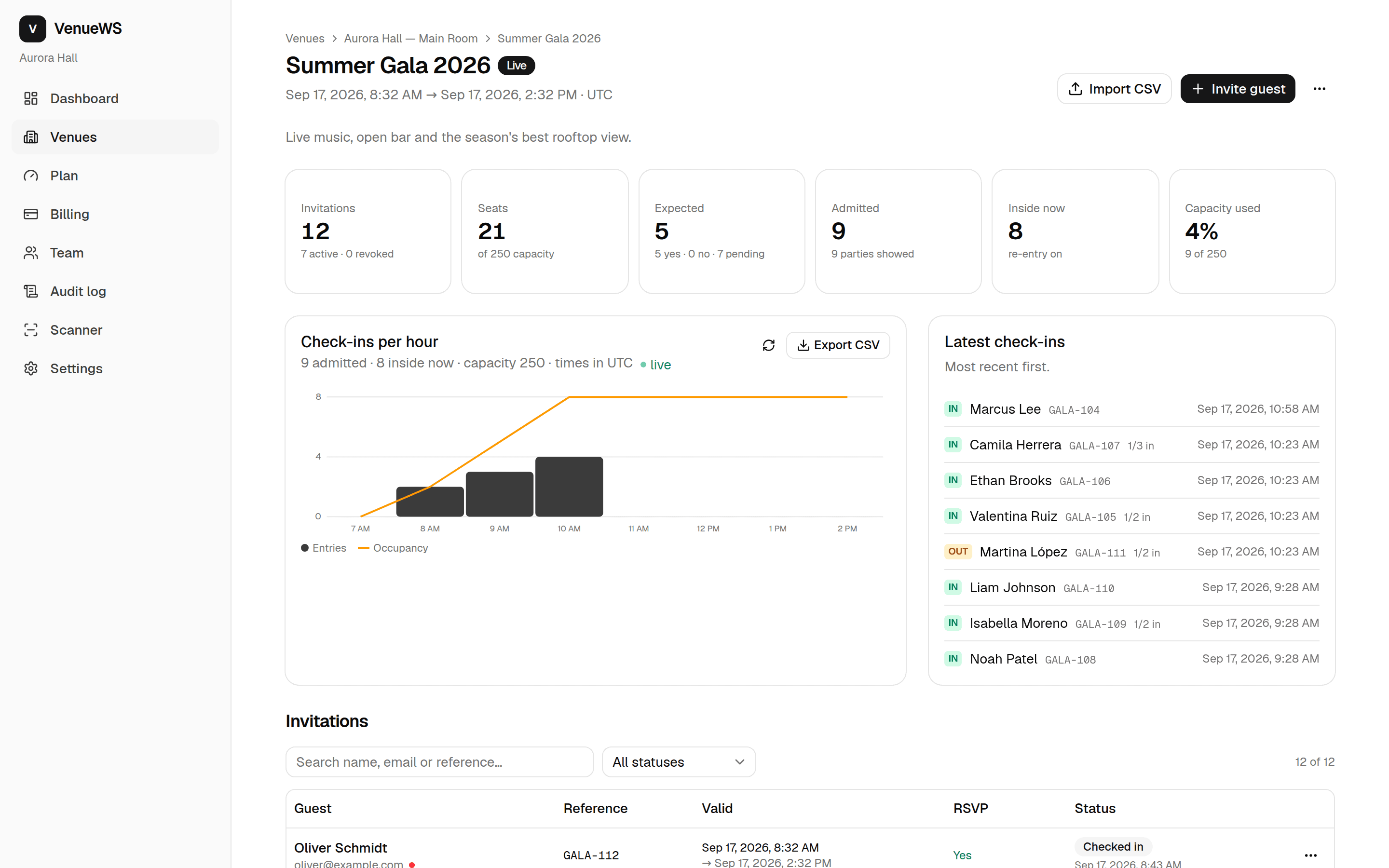
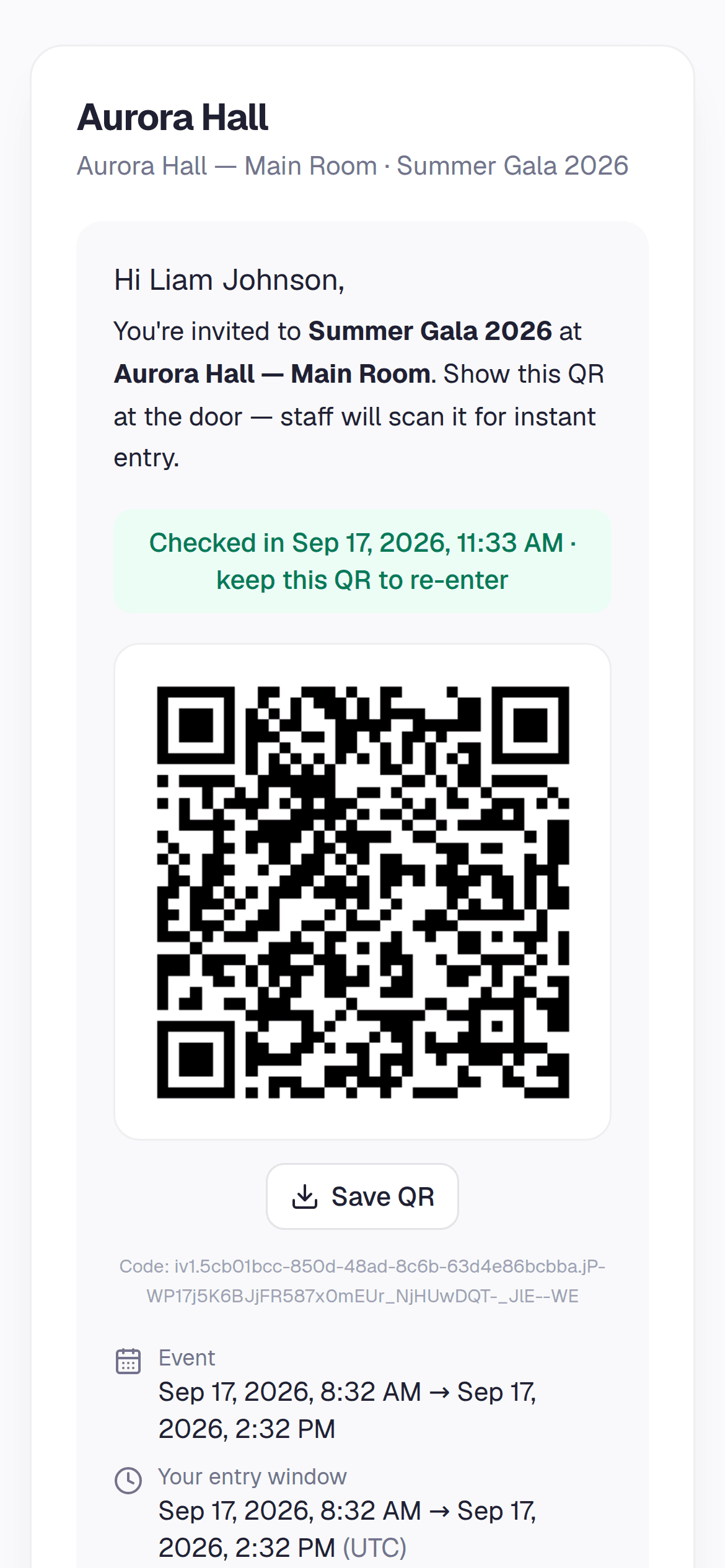
Send invitations with a QR by email or WhatsApp, collect RSVPs by party, seat everyone by dragging, and print the place cards.
- Free plan: events up to 50 seats, every feature
- Event passes from $59
- English & Spanish
Sound familiar?
- RSVPs scattered across texts and calls.
- The seating chart on a poster board with sticky notes.
- Crashers who “know the bride”.
What changes with VenueWS
RSVP by party
One invitation for the family of four; they confirm who's coming from their phone.
Drag-and-drop seating
Unseated parties on one side, tables on the other — drop a party and see if it fits.
Print for the day
Place cards, table cards and a seating chart from your browser — “Save as PDF” included.
The door sees the table
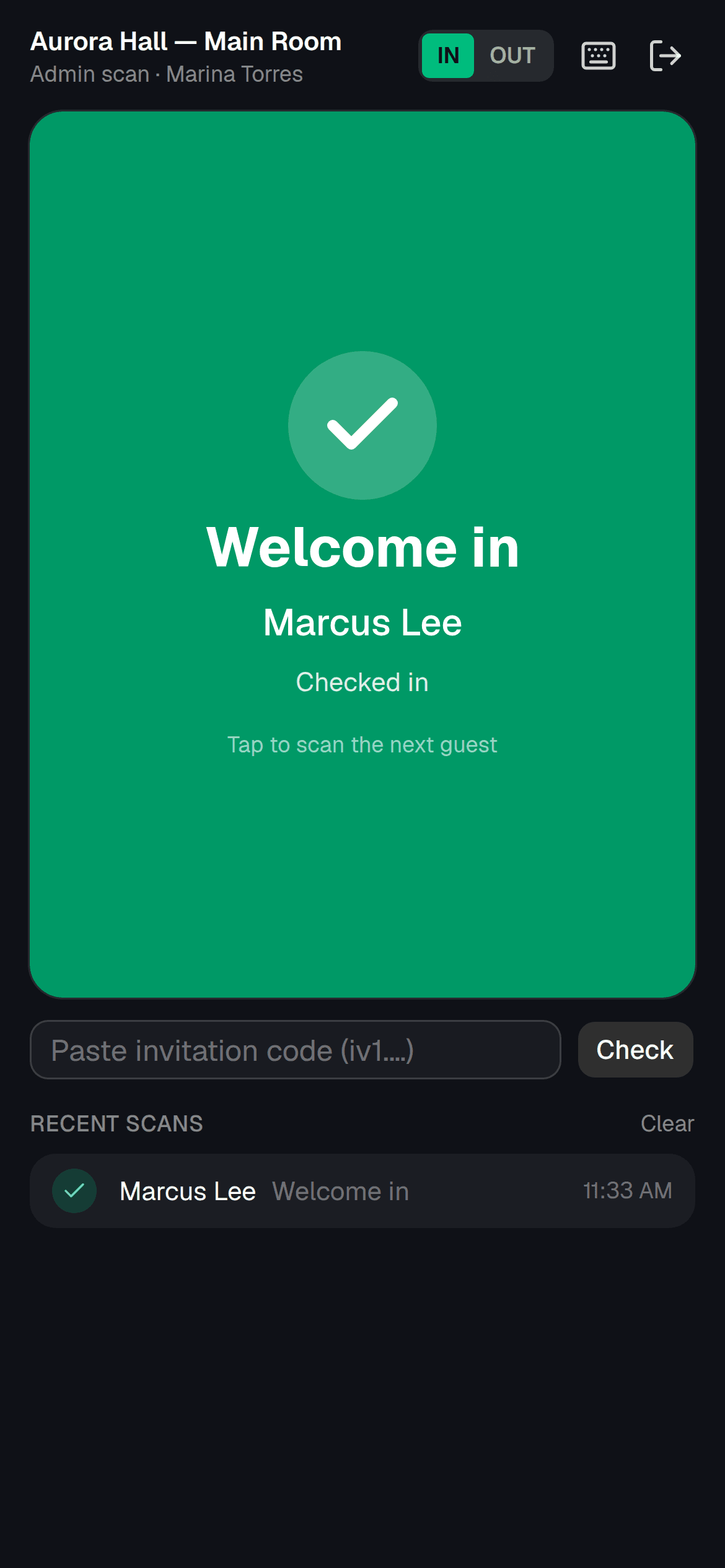
The welcome team scans the QR and sends the party straight to their table.
Guests choose their table
Optional: open sections of the floor plan and let guests pick a table for their party.
Your look, your language
Your colours on every invitation and page, in English or Spanish.
Questions
- Can guests without email be invited?
- Yes. Send the invitation link by WhatsApp or SMS from the guest list, or print the QR.
- Is it free for a small wedding?
- Up to 50 guests is free with every feature. Larger weddings use a one-time event pass priced by seats.
From the blog
How to Stop Wedding QR Invitations Being Shared
Build a wedding check-in plan for forwarded QR invitations, with guest-list checks, revocation steps, and scripts for guests and door staff.
How to Make a Wedding Seating Chart From RSVPs
Turn wedding RSVPs into a usable seating chart with steps for confirming party sizes, grouping households, assigning tables, and managing changes.
Sync Eventbrite Attendees to QR Code Check-In
Move your Eventbrite guest list to QR check-in with a migration checklist, record checks, guest messaging, and a practical door rehearsal plan.