 VenueWS
For workshops, seminars and trainings
Registration, reminders and check-in for every session.
Share one link, let attendees register themselves, and scan them in at the door. Weekly classes repeat on their own.
- Free plan: events up to 50 seats, every feature
- Event passes from $59
- English & Spanish
Sound familiar?
- Sign-up forms that don't talk to the door list.
- No-shows you only discover at 9:05.
- A clipboard and a pen for every session.
What changes with VenueWS
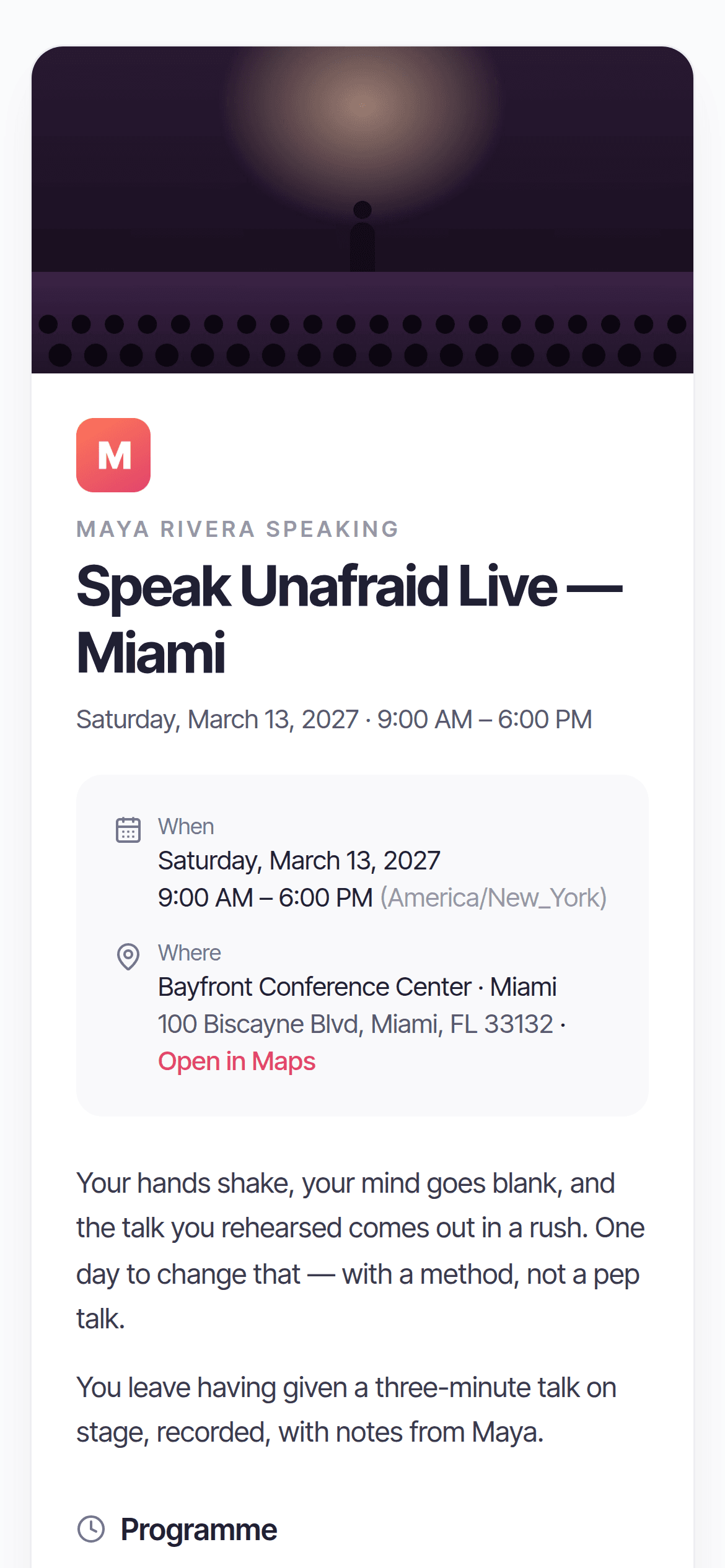
A registration link
Open an event to the public; attendees register, get their QR at once or after your approval, and the same email never gets two invitations.
Reminders that confirm
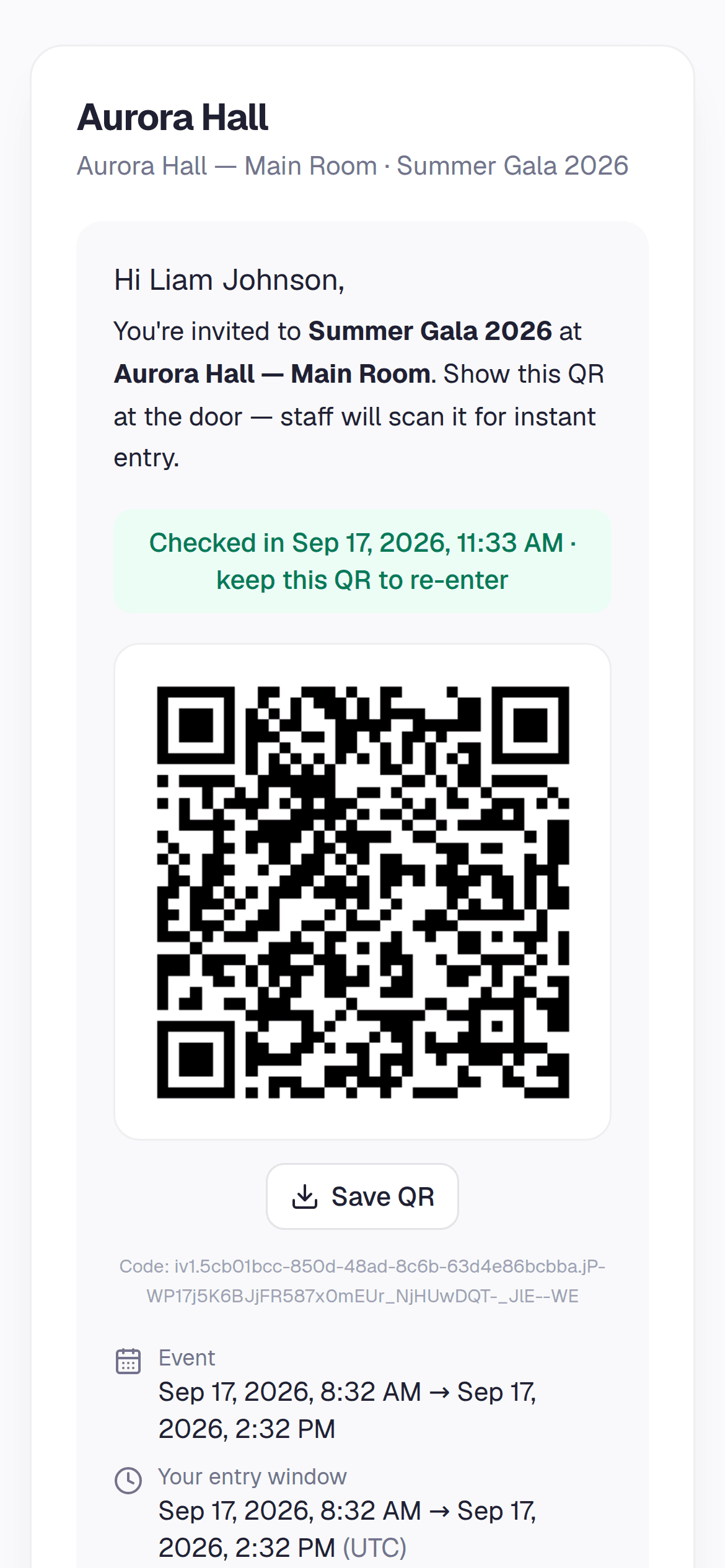
The day before, everyone gets their QR again with one tap to confirm — by email and, if you turn it on, WhatsApp.
Recurring sessions
Set a class to repeat daily or weekly; the next date is created as the last one ends, with the same settings and registration.
Capacity and re-entry
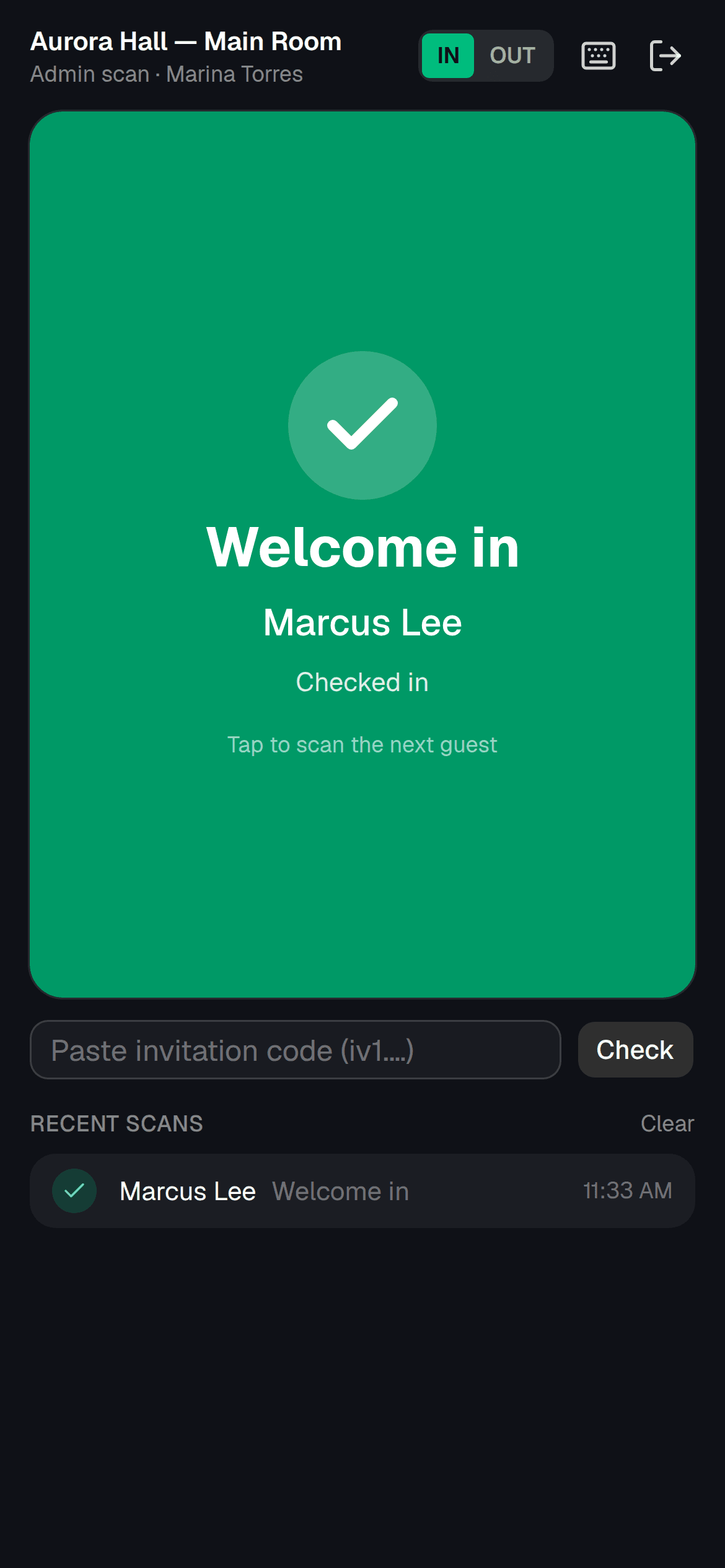
Cap the room, get “sold out” at registration and “at capacity” at the door, and let attendees step out and back in.
Releases and house rules
Require a waiver before the QR appears and keep the evidence as CSV or PDF.
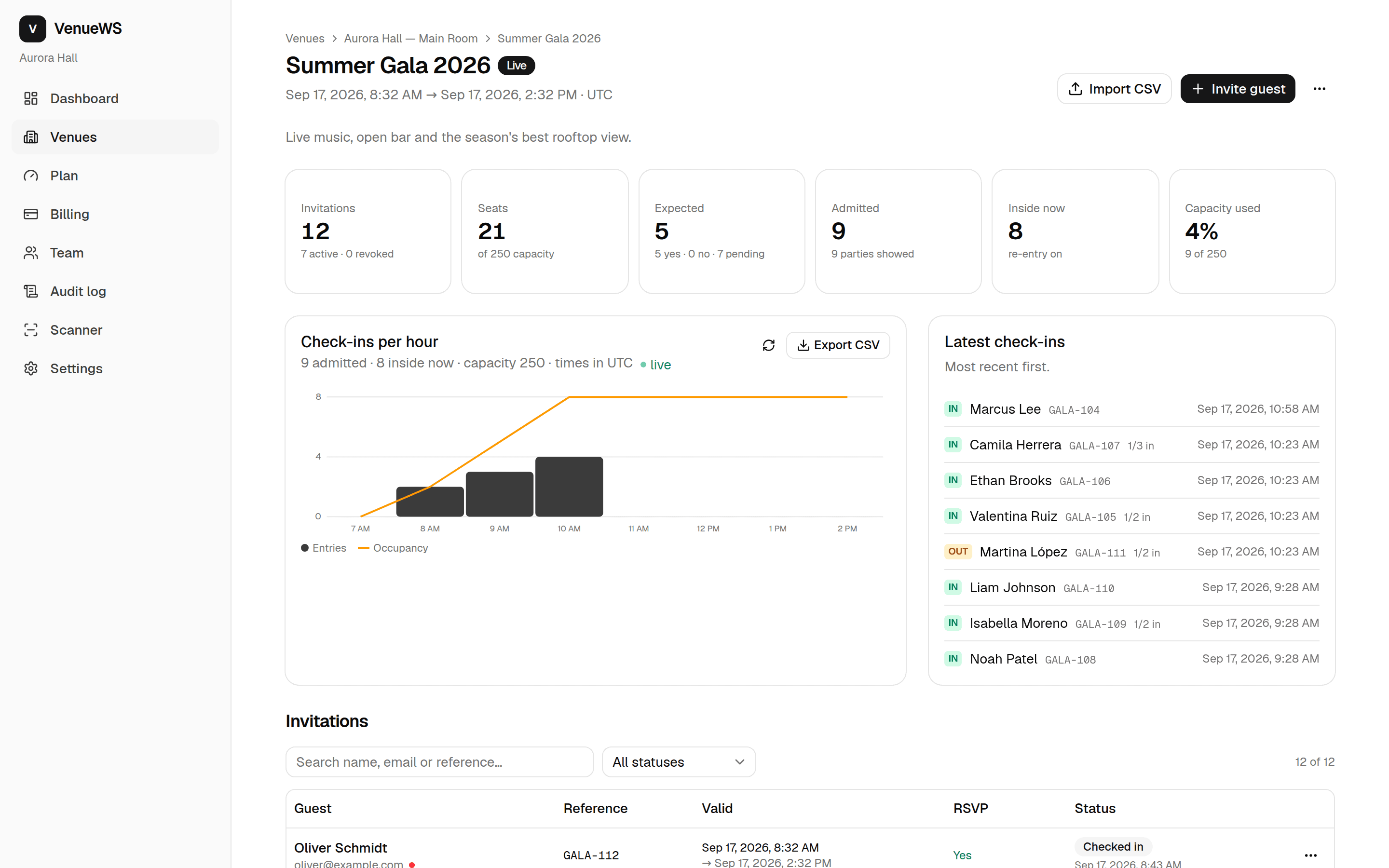
Attendance you can export
Check-ins per hour, no-shows and a CSV — plus a summary in your inbox when it ends.
Questions
- Can I approve registrations before they get a QR?
- Yes. Turn on approval and new registrations wait in a list until you accept them.
- Do attendees need an app?
- No. Their invitation is a web page with the QR on it; a screenshot works too.
- Can I run a monthly class without recreating it?
- Yes. A repeating event creates the next date automatically with the same page, waivers and registration.
From the blog
How to Register Walk-In Attendees at a Workshop
Set up a workshop walk-in station with registration, approval, party limits, waivers, and capacity checks, plus a clear process for door staff.
Import Shopify Orders Into a Workshop Guest List
Learn how to turn paid Shopify workshop orders into invitations, verify attendee details, exclude refunds, and prepare a reliable check-in list.
Sync Eventbrite Attendees to QR Code Check-In
Move your Eventbrite guest list to QR check-in with a migration checklist, record checks, guest messaging, and a practical door rehearsal plan.